Installing Nginx Proxy Manager using Docker Compose
Introduction
Nginx Proxy Manager is a reverse proxy manager as a pre-built docker image. It allows us to proxy web servers for external, with the added benefit of security using free SSL certificates from Letsencrypt.
Prerequisites
To follow this tutorial, you will need the following:
- Docker installed on Ubuntu
- Docker compose installed on Ubuntu
Installing Nginx Proxy Manager
First create a directory to put all our files in.
mkdir nginxproxymanager
Next, fo to directory location.
cd nginxproxymanager
Nginx Proxy Manager requires a configuration file to let the app know what database your ussing.
nano config.json
Next, paste the following and edit the variables as needed. Change YOUR-PASSWORD to match the database password.
{
  "database":
  {
    "engine": "mysql",
    "host": "db",
    "name": "nginxproxymanager",
    "user": "nginxproxymanager",
    "password": "YOUR-PASSWORD",
    "port": 3306
  }
}
Then we will create our docker-compsoe file.
nano docker-compose.yml
Paste the following into the docker-compose file and change password to match the config.json file.
version: "3"
services:
  app:
    image: jc21/nginx-proxy-manager:2
    restart: always
    ports:
      # Public HTTP Port:
      - '80:80'
      # Public HTTPS Port:
      - '443:443'
      # Admin Web Port:
      - '81:81'
    volumes:
      # Make sure this config.json file exists as per instructions above:
      - ./config.json:/app/config/production.json
      - ./data:/data
      - ./letsencrypt:/etc/letsencrypt
    depends_on:
      - db
  db:
    image: jc21/mariadb-aria:10.4
    restart: always
    environment:
      MYSQL_ROOT_PASSWORD: "YOUR-PASSWORD"
      MYSQL_DATABASE: "nginxproxymanager"
      MYSQL_USER: "nginxproxymanager"
      MYSQL_PASSWORD: "YOUR-PASSWORD"
    volumes:
      - ./data/mysql:/var/lib/mysql
We will then bring up the container.
docker-compsoe up -d
Enter the location (ip address of machine) of the nginx proxy manager with port number 81 into your browsers url. Exmaple: ip-address:81
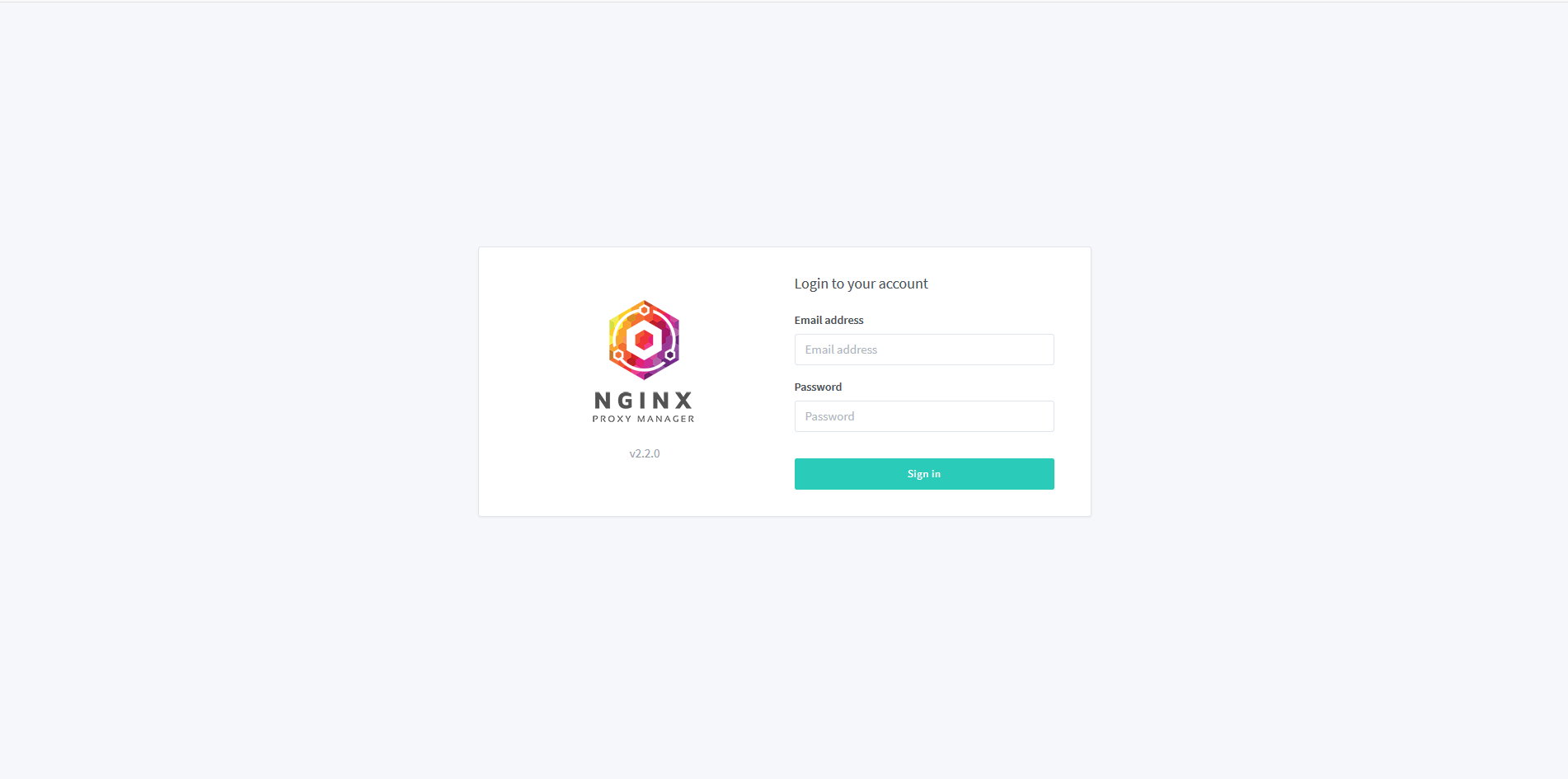
The default login credentials are:
Email: admin@example.com
Password: changeme
Port Forwarding
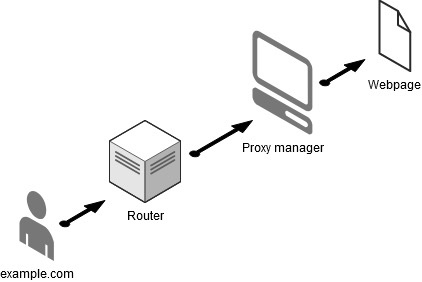
If the Proxy Manager is internal facing (Private Network) ensure to port forward port 80 and 443 from your router to the IP of the machine running the Proxy Manager. The reason we do this is so that whenever someone access the URL we point to our public IP the traffic is forwarded to the Nginx Proxy manager, the proxy manager then checks the URL and see if there is any forwarding rule set for that URL.